Every lesson works the same way: five steps that turn a question they care about into something they built themselves — then the next lesson arrives. No coding knowledge needed to follow along.
AskPlanBuildFixHand in
01
Ask
Start with a real question
Your child brings something they actually care about — “how do I warn fishermen when the sea gets rough?” Pip helps them make it clear and specific.
What they gainHow to ask well — the skill behind getting anything useful out of AI.
02
Plan
Make a plan, in their own words
Before any technology, they break the idea into simple steps — like writing a recipe. Pip nudges, but never writes the plan for them.
What they gainHow to turn one big problem into small, doable pieces — the heart of problem-solving.
03
Build
Build it, piece by piece
Each step becomes a coloured block they can see and move around. Change one, run it again, and watch what happens. Curious kids can flip any block into the real code behind it — and a website build lives at a real address you can open on your phone.
when wave height > 2 mset risk to “high”send alert to fishermen
What they gainA real feel for how things work — cause and effect, not magic.
04
Fix
Run it, break it, fix it
They press Run and watch it work — or not. When something breaks, Pip doesn’t fix it for them: it helps them read the error and find the fix themselves, because getting it wrong is where the learning is.
if wave_height > 2.0:
risk = "high"
send_alert(village_group)
What they gainA gentle on-ramp to real programming, entirely at their own pace.
05
Hand in
Hand it in — and it gets marked
When it works, they hand it in — and Pip marks it against what they actually built, quoting their own code as the proof. Pip cannot take their word for it, and a cross is never a fail: it is the next thing to fix.
pipslab.ai / kai / swell-website
Swell WebsiteIsland Harbour
TodayThis weekBoats outWho gets alertsSettings
Today · 12 AugToo rough
Right now
What to do
Measured today
2.4 mWaves22 ktWind2.0 mSafe limit
Send the warningCheck again
Sent to 41 people at 6:02 this morning.
What they gainSomething finished they can show anyone — and the habit of questioning the machine instead of trusting it, which matters most of all with AI.
Gadgets
The same five steps, on a board they can hear.
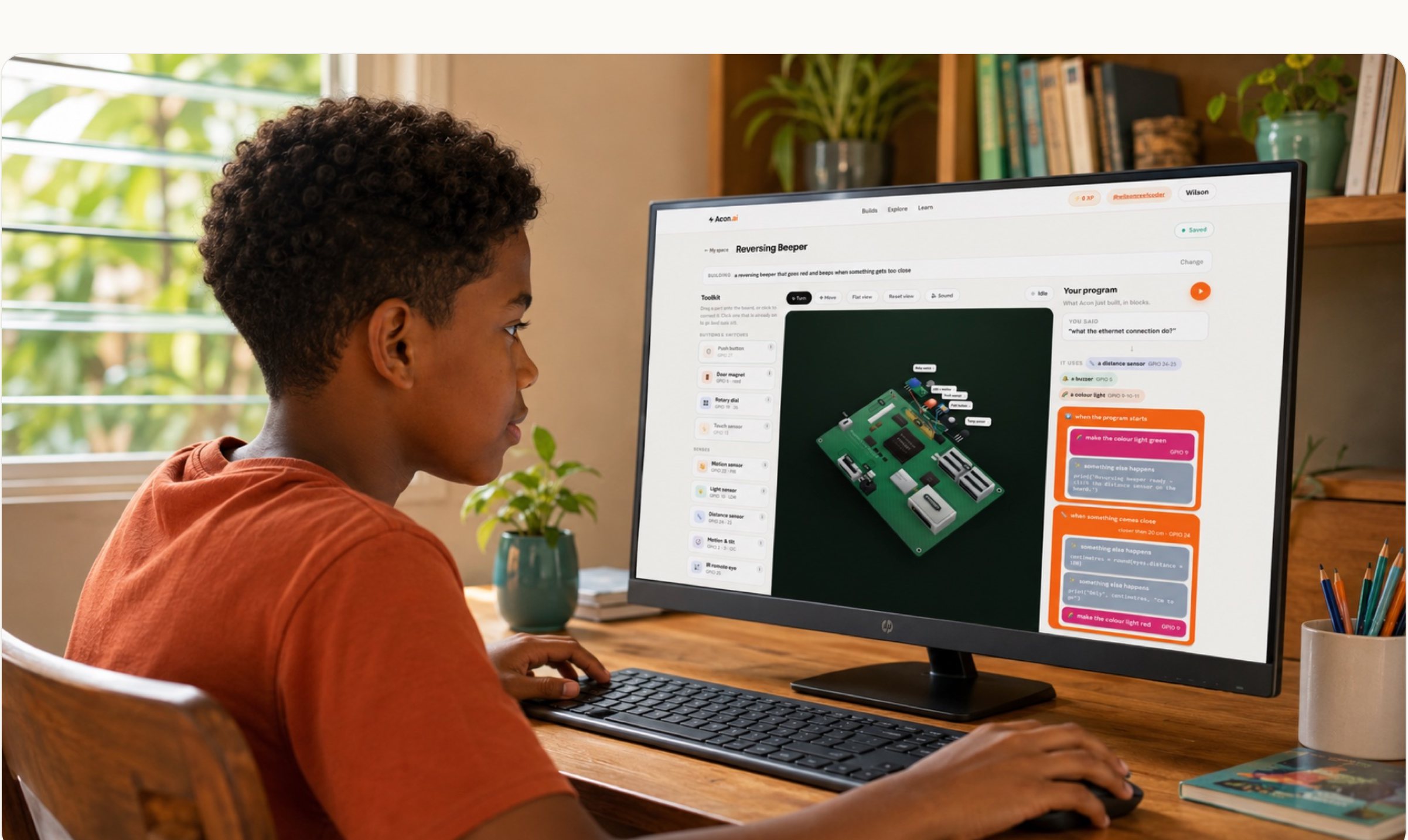
Some of what they make isn't on a screen — it's a real gadget. A Raspberry Pi computer sits on screen, so parts are dragged on rather than bought, nothing gets wired up wrong, and nothing can break. But it lights up, beeps and speaks for real.
One screen: the parts, the board, and the program — with 23 parts in the box to build from.
✕Hand over a finished answer so they can skip the thinking.
✕Write the plan for them.
✕Open into general chat outside a project.
✕Do their homework, however they ask.
What you see at home.
Read any lesson yourselfEvery brief is written so a grown-up can open it and follow along — no coding needed.
Their work and marks, any timeWhat they built, what the marking said, and what they fixed after — all on their page.
An email when they hand inYou hear about it when it matters — never a stream of noise, and only ever to grown-ups.
And then the next lesson arrives.
Those five steps are one lesson. Press Start once on the lesson plan and a new one lands every
day or two — websites, gadgets, educational games, building up to real-world problem solving —
each one marked the same way. The first topic is free.Browse the whole plan →